Pollo Live Plus1.17.0
Publisher Description
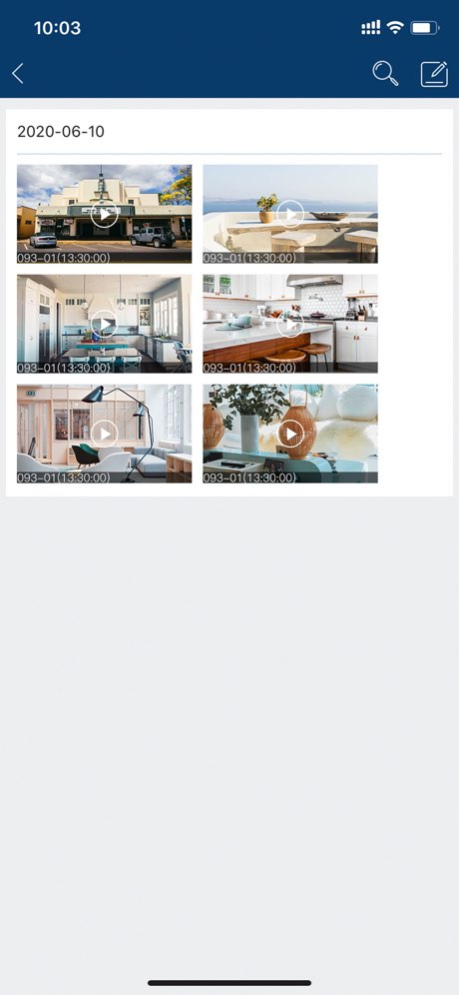
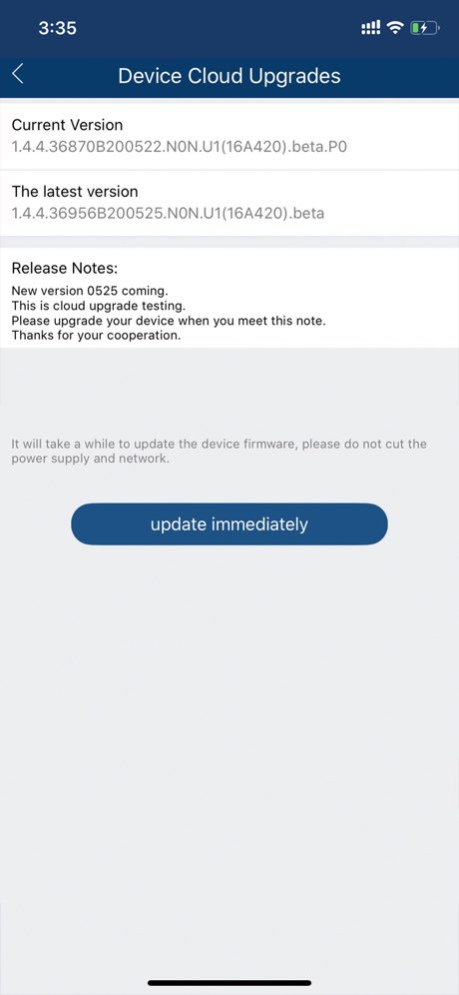
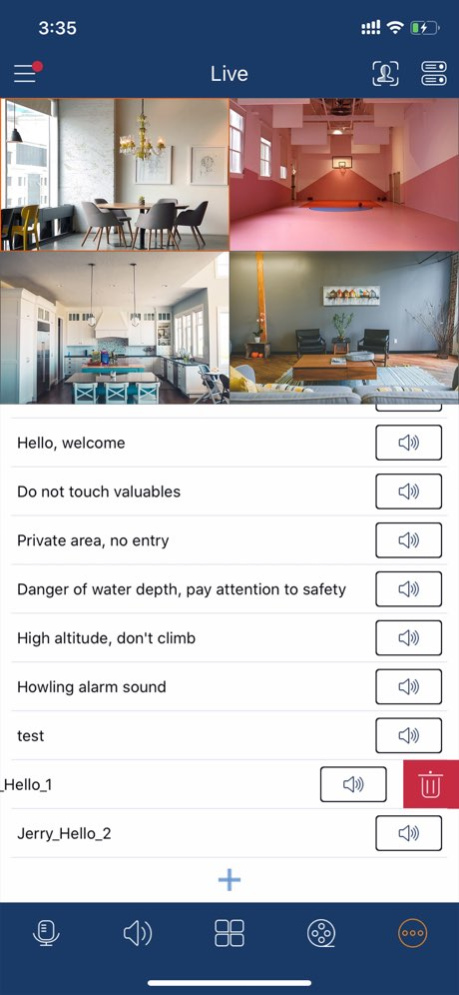
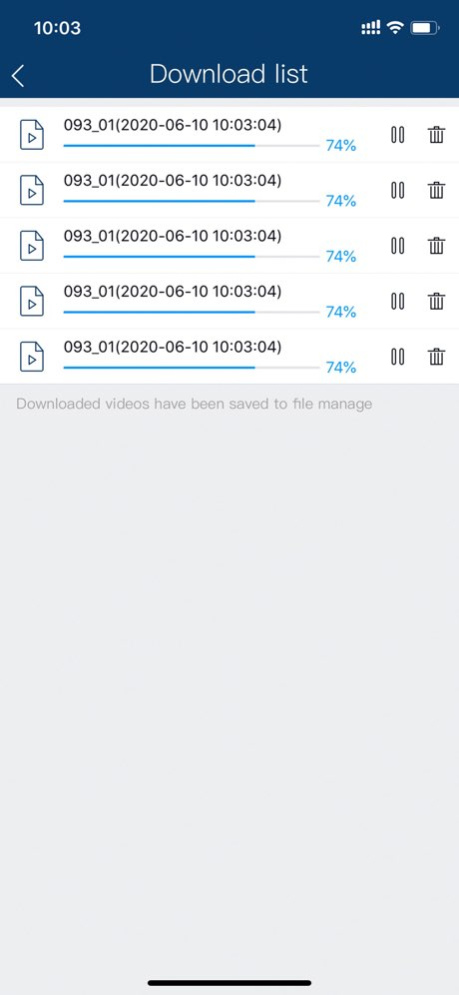
A P2P Mobile App designed to work with DVRs, NVRs, Cameras, Video Intercom devices, and Security Control Panels. With this app, you can watch real-time surveillance videos and play them back from your home, office, workshop, or anywhere else, at any time. You can get instant notifications from the app when motion detection alarms are triggered.
Key Features:
1. Real-Time Monitoring with PTZ Control
2. Video Playback
3. Two Way Audio Intercom
4. Instant Alarm Notifications
5. Doorbell Answering
6. Security Control Panel Access
7. Device Sharing with Limited Permissions
Version History Added intelligent search feature
Enhanced sharing functionality, supporting up to 30 users for device sharing and enabling permission sharing for device operations
Fixed several issues, including preventing deletion of backed-up videos and screenshots when removing a device 1.17.0 Apr 14 Some known bugs have been fixed 1.16.6 12/10/2025 1.Support phone call notification push
2.Support full duplex intercom
3.Support switching of lighting mode 1.15.3 04/15/2025 Few bugs fixed 1.13.0 10/20/2023 Few Bugs Fixed. 1.1 12/07/2021 1.0 09/03/2021
About Pollo Live Plus
The company that develops Pollo Live Plus is POLLO PTY LTD. The latest version released by its developer is 1.17.0.
To install Pollo Live Plus on your iOS device, just click the green Continue To App button above to start the installation process. The app is listed on our website since 2026-10-13 and was downloaded 6 times. We have already checked if the download link is safe, however for your own protection we recommend that you scan the downloaded app with your antivirus. Your antivirus may detect the Pollo Live Plus as malware if the download link is broken.
How to install Pollo Live Plus on your iOS device:
- Click on the Continue To App button on our website. This will redirect you to the App Store.
- Once the Pollo Live Plus is shown in the iTunes listing of your iOS device, you can start its download and installation. Tap on the GET button to the right of the app to start downloading it.
- If you are not logged-in the iOS appstore app, you'll be prompted for your your Apple ID and/or password.
- After Pollo Live Plus is downloaded, you'll see an INSTALL button to the right. Tap on it to start the actual installation of the iOS app.
- Once installation is finished you can tap on the OPEN button to start it. Its icon will also be added to your device home screen.
Program Details
System requirements
Download information
Pricing
Version History
version 1.17.0
posted on 2026-10-13
Version History Added intelligent search feature
Enhanced sharing functionality, supporting up to 30 users for device sharing and enabling permission sharing for device operations
Fixed several issues, including preventing deletion of backed-up videos and screenshots when removing a device 1.17.0 Apr 14 Some known bugs have been fixed 1.16.6 12/10/2025 1.Support phone call notification push
2.Support full duplex intercom
3.Support switching of lighting mode 1.15.3 04/15/2025 Few bugs fixed 1.13.0 10/20/2023 Few Bugs Fixed. 1.1 12/07/2021 1.0 09/03/2021
version 1.16.6
posted on 2025-12-10
Some known bugs have been fixed
version 1.15.3
posted on 2025-04-15
Apr 15, 2025
Version 1.15.3
1.Support phone call notification push
2.Support full duplex intercom
3.Support switching of lighting mode
version 1.13.0
posted on 2023-10-20
Oct 20, 2023
Version 1.13.0
Few bugs fixed
